Python desktop apps often reach the same point: the code works, the UI is ready, but releasing the app is still a manual ritual. Build an exe, remember the icon, put the file into an archive, create a GitHub Release, check that users download the right version. For a small tool it feels acceptable. After a few changes, it starts getting in the way.
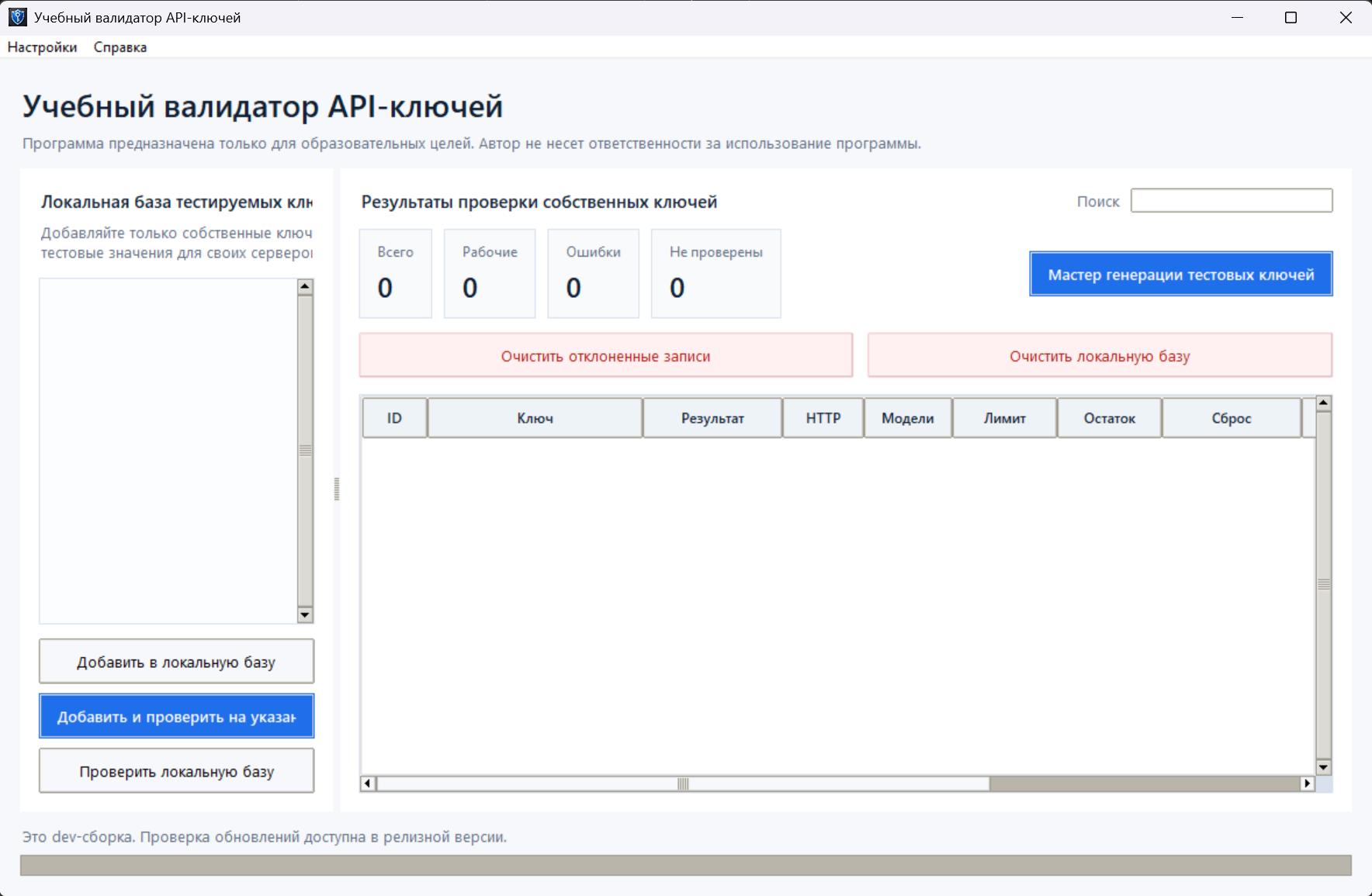
Using a small educational Tkinter app as an example, this article shows a practical release setup: one Git tag, an automated Windows exe build, a ZIP asset in GitHub Releases, and an update check inside the app.
Why manual builds become a problem
Manual builds usually fail in small details. One release ships with the old version number. Another one opens a console window because the build command was slightly different. Then a user receives an outdated archive because the filename did not change.
For an internal tool, this is still a support problem. If users do not know which version they have and where to get the next one, every update becomes a conversation instead of a process.
A minimal release setup
For a small Python desktop app, a practical release setup can stay compact:
- the app version is stored in code;
- a release starts from a Git tag like
v1.0.0; - GitHub Actions builds the app on a Windows runner;
- PyInstaller packages the entrypoint into one windowed exe;
- the workflow puts the exe into a ZIP and uploads it to GitHub Releases;
- the app can check the latest Release and show a download link.
This is not a full self-updater. The app does not replace its own exe and does not need a separate updater process. It only tells the user that a new version exists and opens the download page. For a first stable version, that is often enough.
Building with PyInstaller
For this scenario, two PyInstaller flags matter most: --onefile and --windowed. The first one builds a single exe. The second one hides the console window, which is appropriate for a Tkinter UI.
pyinstaller --noconfirm --clean --onefile --windowed ^
  --name OpenAiKeyChecker ^
  --icon assets/app.ico ^
  --add-data "assets/app.ico;assets" ^
  main.py
Paths deserve attention. In a one-file build, PyInstaller extracts bundled resources into a temporary directory. If the app stores its SQLite database next to the source files, the packaged version may accidentally point to a temporary location. A safer approach is to keep bundled resources inside the PyInstaller bundle and store user data next to the exe.
| Item | Location | Reason |
|---|---|---|
| Icon | Inside the bundle | It is an app resource and should not be edited by the user. |
| SQLite database | Next to the exe | User data must survive restarts and updates. |
| Release ZIP | GitHub Release | Users need one clear download location. |
GitHub Actions: release by tag
The simplest release trigger is a pushed tag. The developer commits the current state, then creates and pushes a version tag:
git tag v1.0.0
git push origin v1.0.0
The workflow runs only for those tags. It installs dependencies, runs tests, injects the version from the tag, builds the exe, and uploads the archive to GitHub Releases.
Tests should stay in the release workflow. Even for a small app, the build should verify the core logic: test string generation, SQLite storage, the HTTP client through mocks, and update checking.
A release should come from a repeatable pipeline, not from a lucky local command.
Update checks without self-replacement
A full Windows self-updater is a separate feature. It has to close the app, replace the exe, handle permissions, antivirus behavior, partial downloads, and rollback. For a small tool, that can add more risk than value.
A safer first step is to check the GitHub Releases API:
https://api.github.com/repos/OWNER/REPO/releases/latestThe app compares its current version with the latest tag. If a newer version exists, it shows a dialog and opens the download page. The user downloads the ZIP and replaces the app when it is convenient.
What not to forget
- add
build/,dist/, and*.specto.gitignore; - do not commit the local SQLite database;
- test the workflow with a real tag, not only locally;
- show the version in the About dialog;
- document where the ZIP is published and how to create the next release;
- avoid a full self-updater until there is a real need for it.
Result
A practical release setup for a Python desktop app does not have to be large. The important part is that the build is repeatable, the version is visible, the archive appears in GitHub Releases automatically, and the app can tell users when a newer version exists.
After that, releasing becomes part of the normal development flow: commit, tag, workflow, ready ZIP.